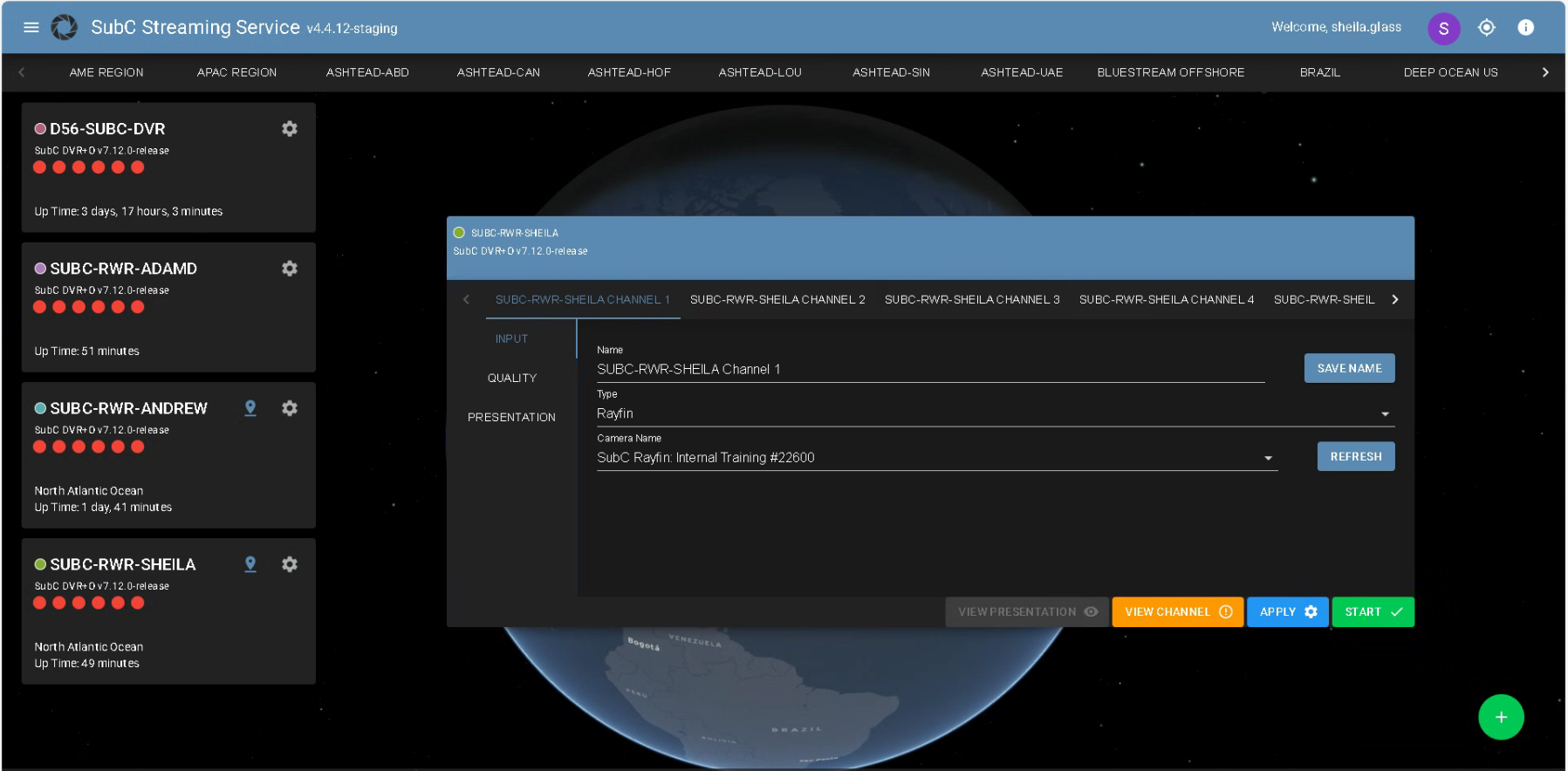
Channel Configuration UI
Related to: Streaming Service Web App - Channel Configuration UI
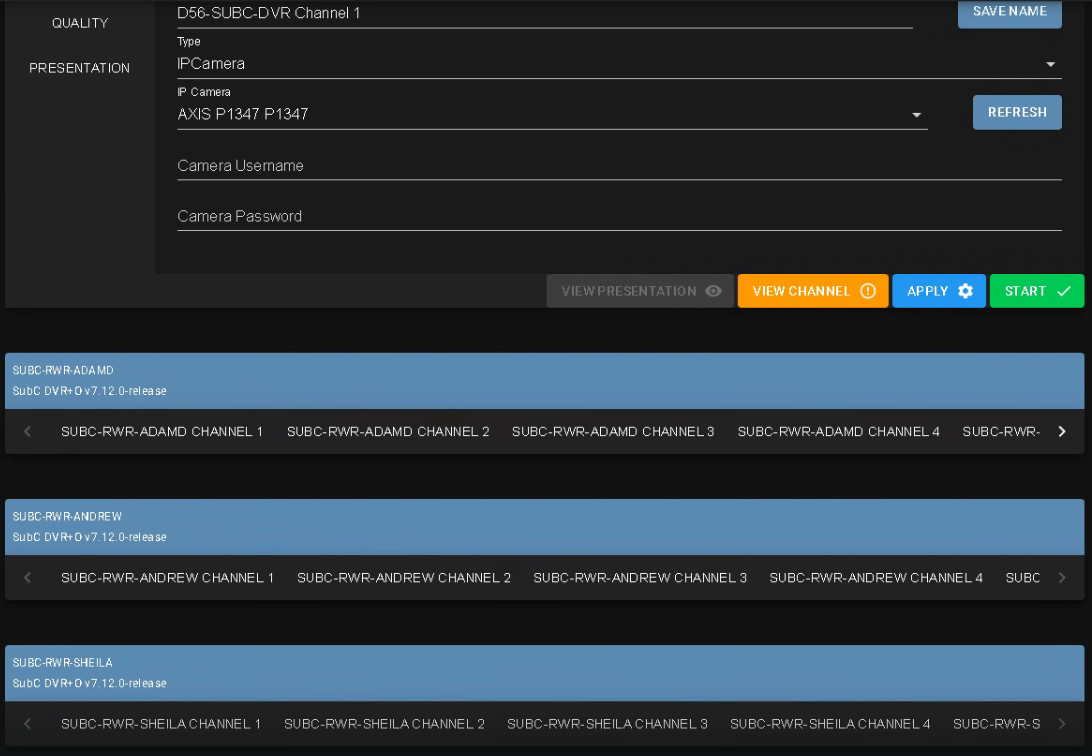
Issue: Sometimes you may see the SubC Software desktop application source system collapse when viewing through the SubC Streaming Service web application in the Classic UI (as illustrated in the image below - 3 source system shown at the bottom appear collapsed).
Resolution: This issue is resolved in an upcoming release of SubC Streaming Service Web app.
Mitigation: Refresh the SubC Streaming Service web app browser and the source system Channel Configuration UI will expand again.
Alternatively, switch to the GPS Map UI and click the gear wheel icon to open the source system Channel Configuration UI.