
Channel Info

Select Menu → Channel Info
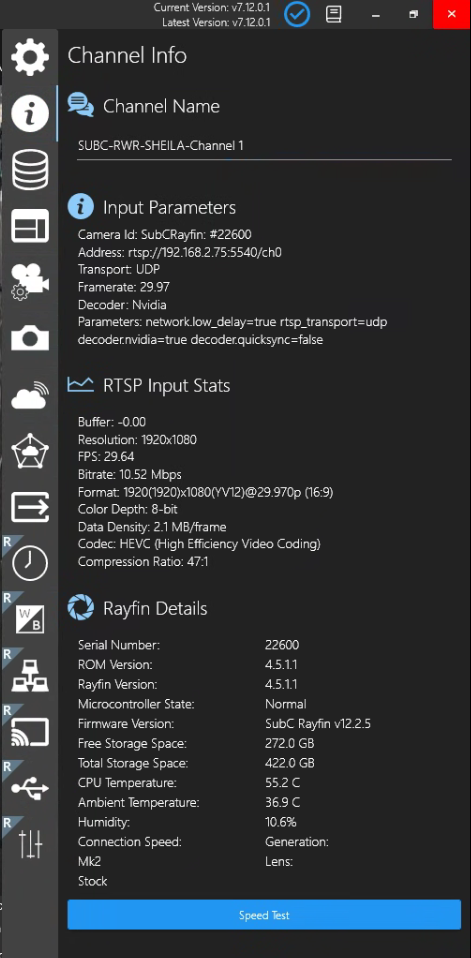
When Channel Input is Rayfin
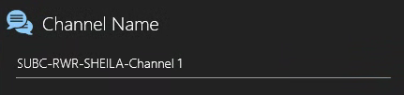
Channel Name - The name of the current Channel appears in this field.
Default is SubC Product system’s Hostname-Channel #
You can edit this field to change the Channel name
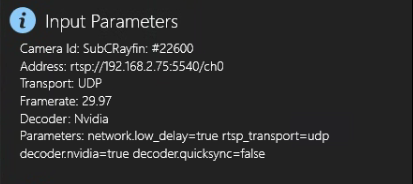
Input Parameters
Camera Id: When the Channel is connected to a Rayfin camera, this field displays the current Channel’s Rayfin camera name and serial number
Address: Displays the SRT or RTSP address
Transport: Displays the selected transport protocol
Framerate: Displays the Rayfin video framerate
Decoder: Displays the selected decoder
Parameters: Displays the advanced parameter settings.
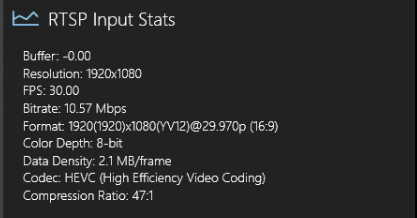
RTSP Input Stats
Buffer: Displays video input buffer rates
Resolution: Displays the video resolution
FPS: Displays video input frames per second
Bitrate: Displays the video bitrate
Format: Displays details about the video resolution and other elements
Color Depth: Displays the Bit Depth, the number of bits per pixel to represent the color of each pixel.
Data Density: Display the amount of data transferred across the connection per frame.
Codec: Displays the current video codec type
Compression Ratio: Displays the ratio at which the video is encoded to consumes less space, enabling transmission.
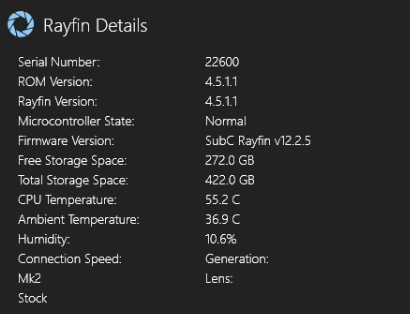
Rayfin Details
Serial Number: Rayfin camera’s SubC serial number.
ROM Version: Rayfin camera’s ROM version.
Rayfin Version: Rayfin camera’s application version.
Microcontroller State:
Normal - means Rayfin Software is current and in good state
Bootloader - will appear briefly during Rayfin software updating.
Firmware Version: Rayfin camera’s firmware version.
Free Storage Space: Displays the remaining space available in the Rayfin Internal Storage
Total Storage Space: Displays the size of the Rayfin Internal Storage
CPU Temperature: Rayfin camera’s internal temperature.
Ambient Temperature: Rayfin camera’s external temperature.
Humidity: Rayfin camera’s relative humidity.
Connection Speed: Max potential connection speed between the Rayfin and the DVR+O / SCI expressed in megabits per second.
Generation: The Rayfin camera’s hardware version. [Mk1 | Mk2 | Mk3 | etc.]
Lens: Displays the Rayfin camera lens type
[Stock | Zoom | FCB]

Speed Test - Opens a browser to an application to test the Rayfin Camera Download / Upload speed.
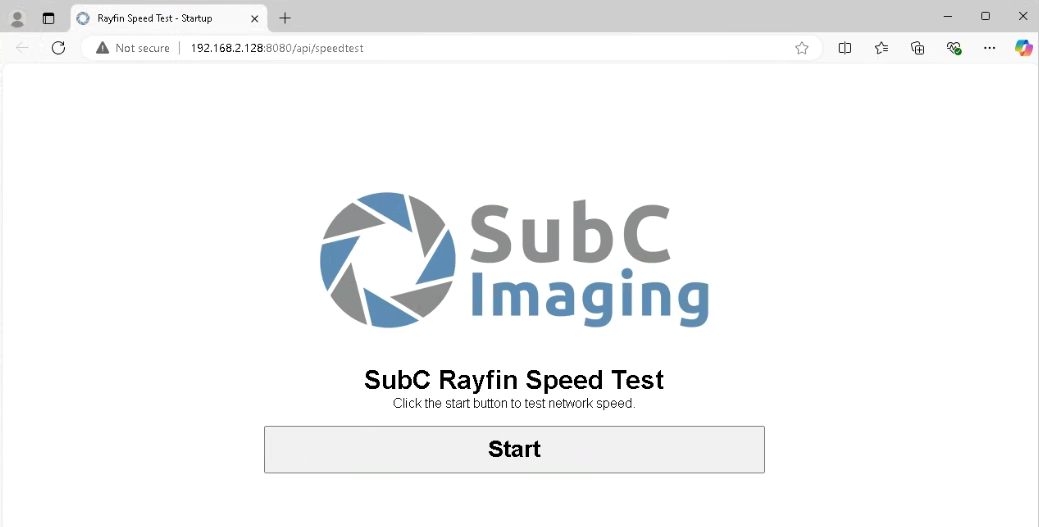
Click Start
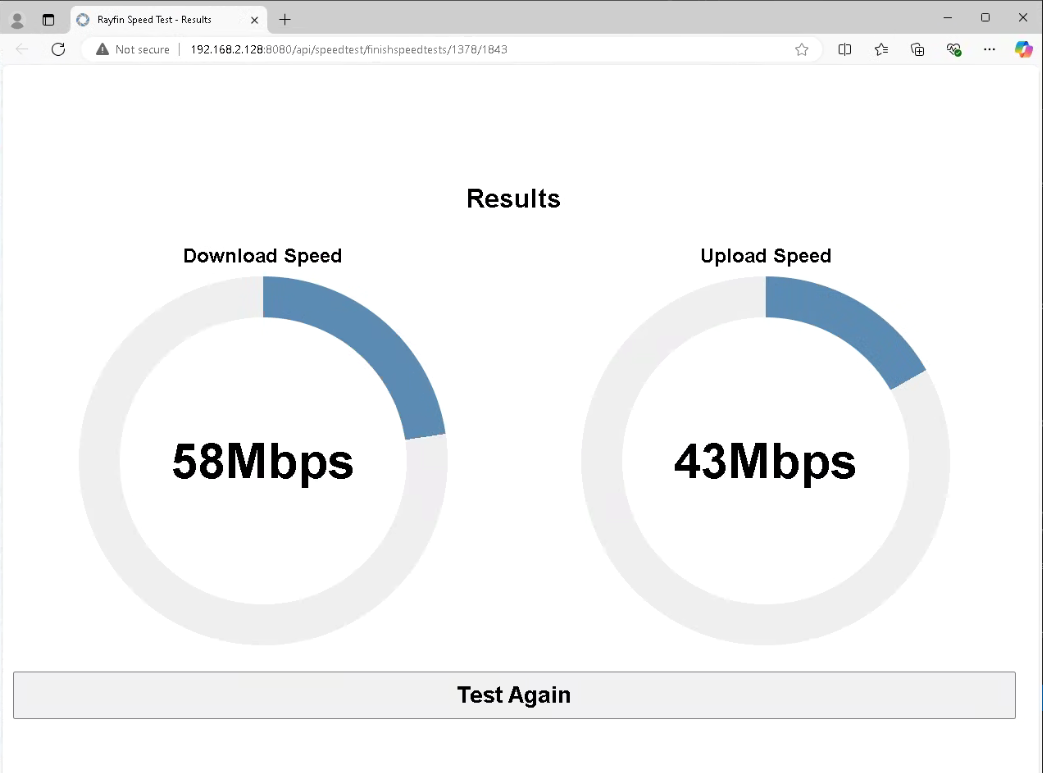
Download Speed: The speed at which commands are transmitted from the SubC application Rayfin controls to the Rayfin camera.
Upload Speed: The speed at which the video stream from the Rayfin camera is transmitting to the SubC application and the speed at which Still images are transmitted from the Rayfin camera to the SubC application system’s drive (when Storage is set to Topside).