
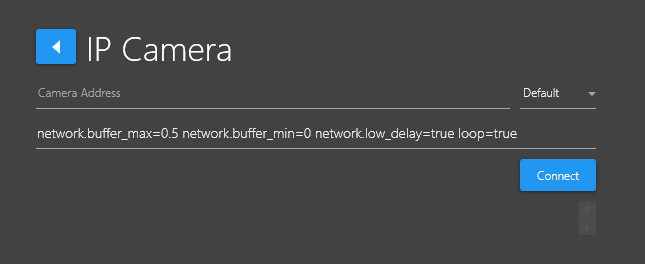
If you see pixilating / artifacts appearing / coinciding with the CPU running high, you can adjust the values in the IP Camera parameters field.
Set to:
network.buffer_max=0.5 network.buffer_min=0 network.low_delay=true decoder.nvidia=true
You’ll can also do the same on other SubC Stream Desktop application Channels you have connected to other cameras that may be experiencing the same issue.