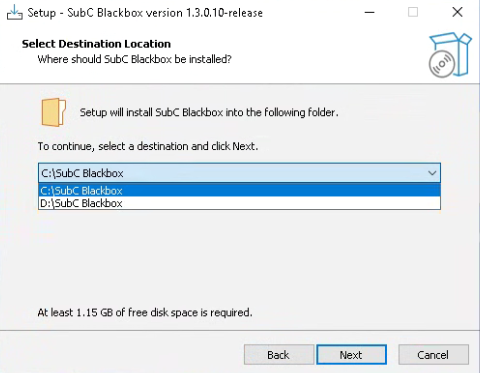
Select Software Installation Drive
You can now install Blackbox Desktop application in another drive, other than the default C: drive.
Note: A least 1.15GB of free disk space is required.
IP Camera Input - New Fields
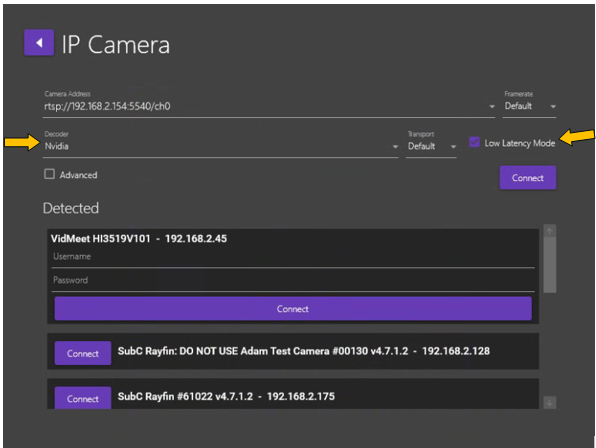
Decoder & Low Latency Mode
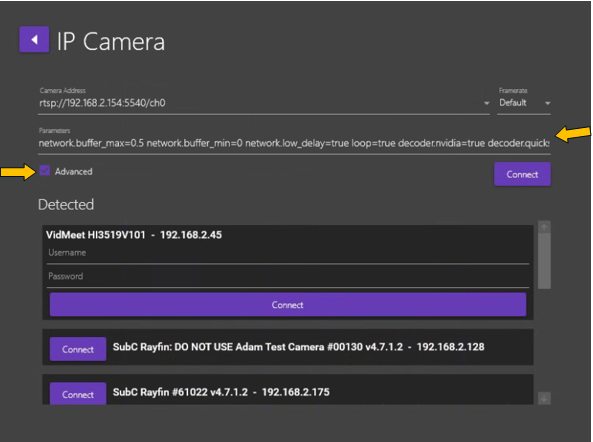
We added Decoder selection field and Low Latency Mode checkbox to the IP Camera Input configuration UI.
Advanced parameters
We’ve moved Show RTSP connection parameters checkbox from Menu → Settings to the IP Camera Input configuration UI and renamed it to Advanced.
Click Advanced checkbox to hide or reveal the advanced parameters field values in the IP Camera Input type selection UI.
Menu → Streaming
Sign In/Out
You can now login to your Streaming Service Account through the Blackbox Desktop application via Menu → Streaming → Sign In/Out.
This allows you to conveniently select another Presentation for the Channel directly from within the Stream Desktop application
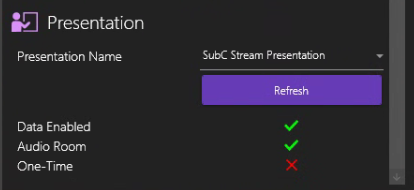
You can still also select Presentation from the Streaming Service Web app UI
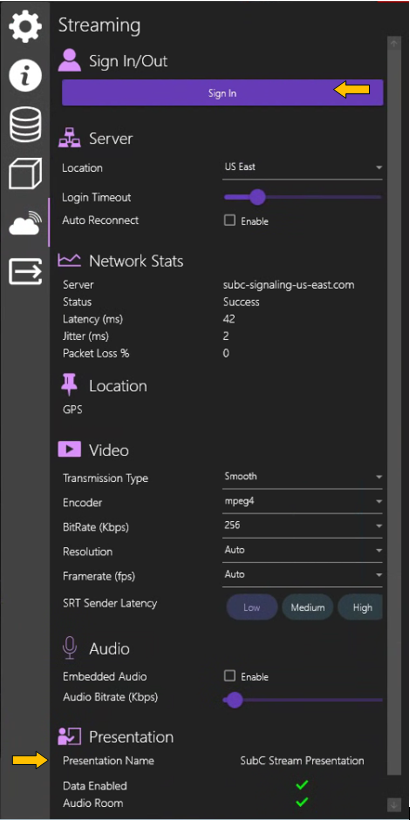
Menu → Streaming → Presentation → Audio Room
We have retired Audio Chat. Going forward, when you create a new Presentation, you can select Audio Room.
In Streaming Service Web UI Menu → Presentations → Create Presentation, select Audio Rooms if you want to enable this feature in your new Presentation.
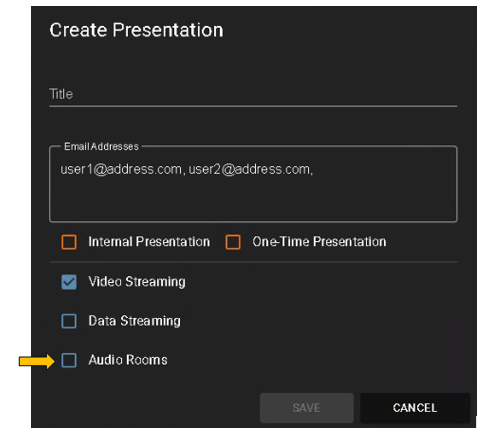
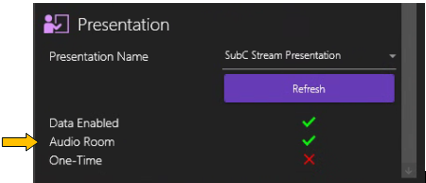
Any previous Presentations you’ve created with Audo Chat enabled will now have an Audio Room.
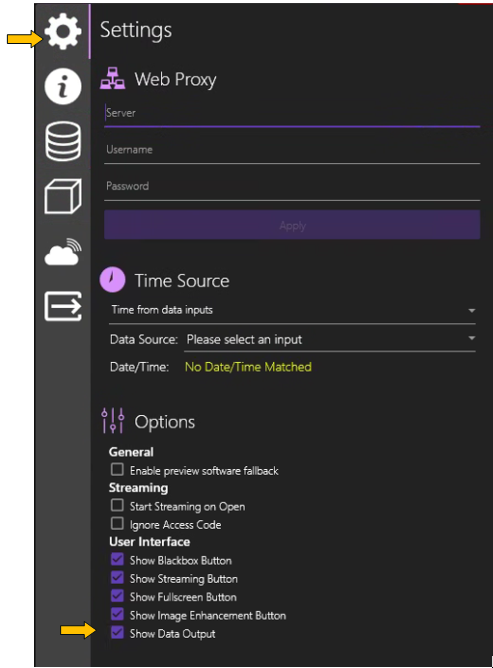
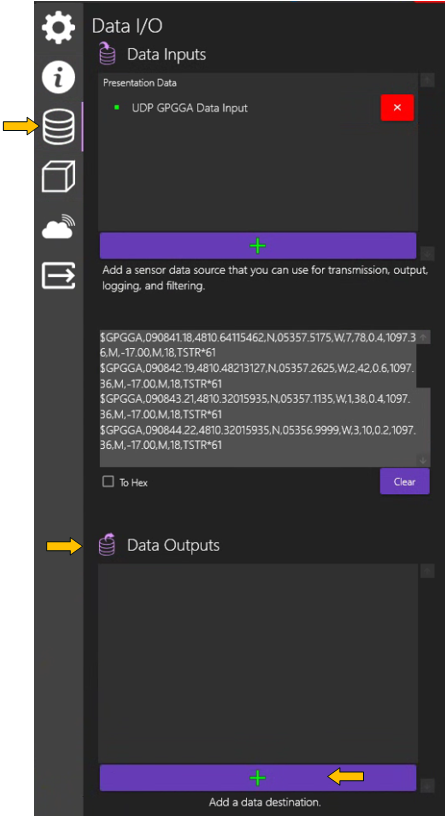
Data Output is now located in Menu → Data I/O
In Menu → Settings, select Show Data Output checkbox for the Data Output UI to appear in Menu → Data I/O