Rayfin & IP cameras now default to YV12 format.
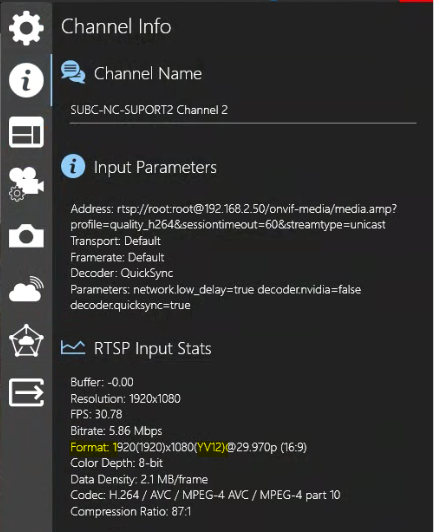
YV12 format is an 8-bit pixel format selected to optimize Recording & Streaming.
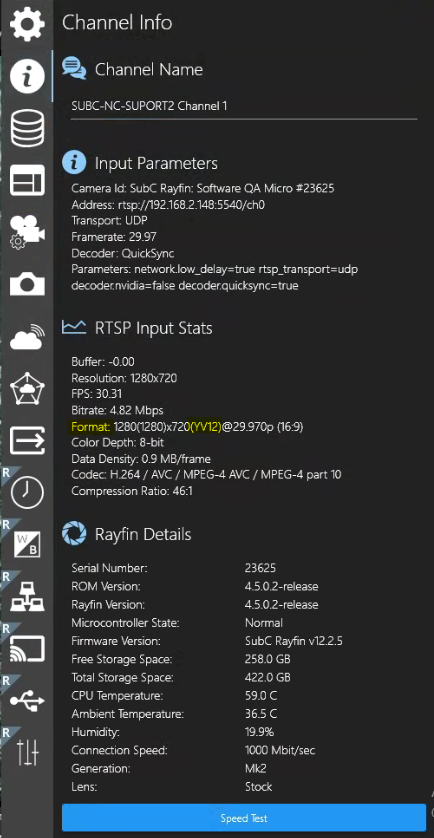
See Menu → Channel Info → RTSP Input Stats → Format: 1280(1280)x720(YV12)@29.970p (16:9)
IP Camera
Rayfin Camera
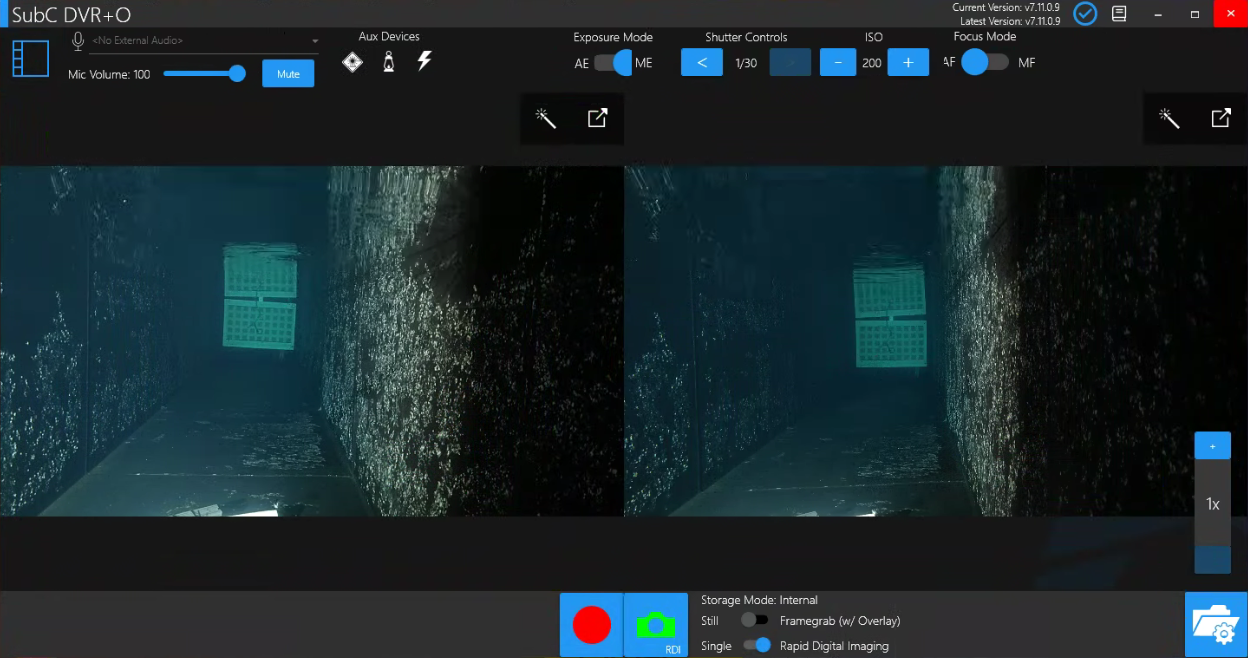
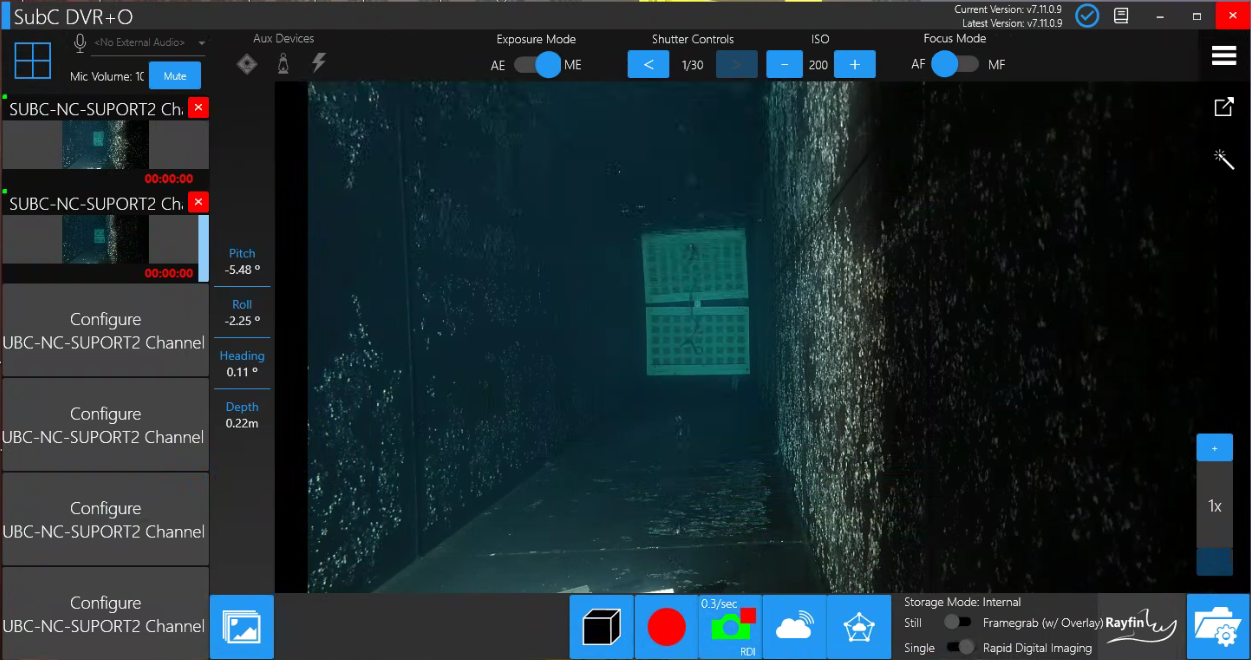
When RDI is enabled, the RDI rate (i.e. 0.3/sec) is now displayed on the take still / take RDI camera button in Sync mode and in Priority mode.

Sync Mode
Priority Mode
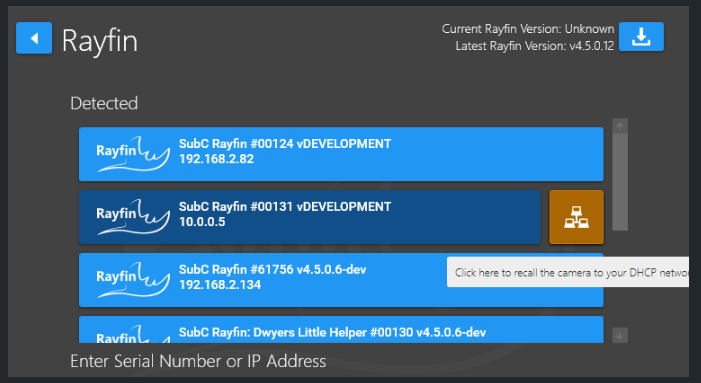
Recall Rayfin to DHCP Network.
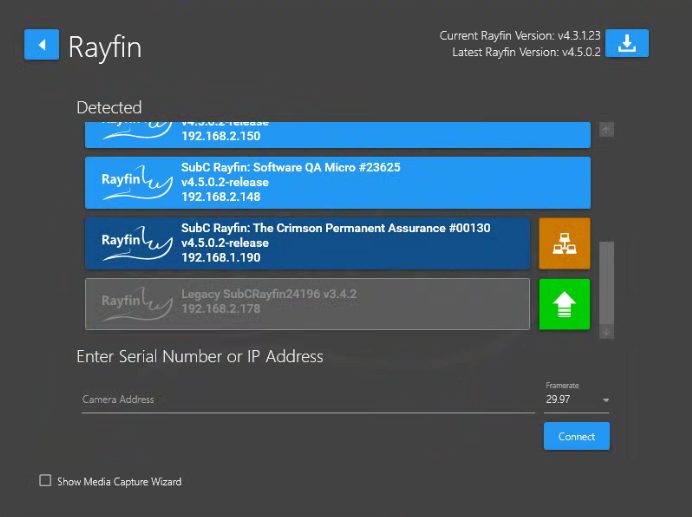
If there is a problem with your Rayfin camera’s IP address, it will appear in the Detected Rayfin list, but with a Network icon button. Click this Network button to recall the camera to your DHCP network. The button will turn grey and displays the loading icon before the Rayfin camera disappears from list and then reappears with a DHCP address. This will allow you to reconfigure the Rayfin camera’s IP Address.
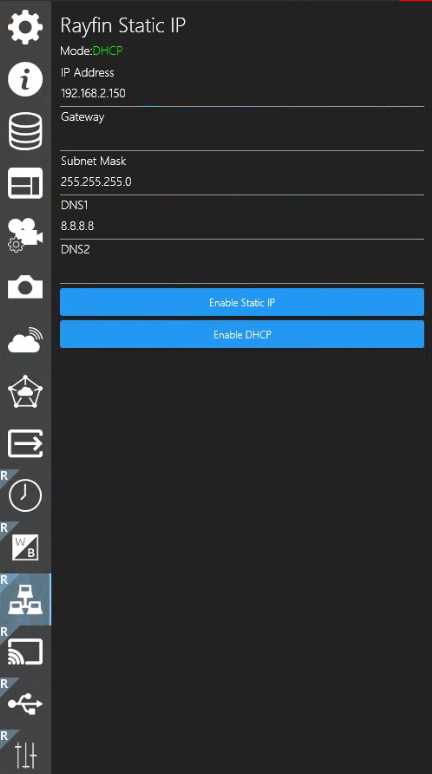
Connect to the Rayfin and select Menu → Rayfin Static IP → Enable Static IP