
Settings shows details pertaining to Stream enabled SubC Desktop application Sources and Presentations.
Open the SubC Streaming Service web application

Click Menu → Settings
Example: SubC Development Group Menu → Settings
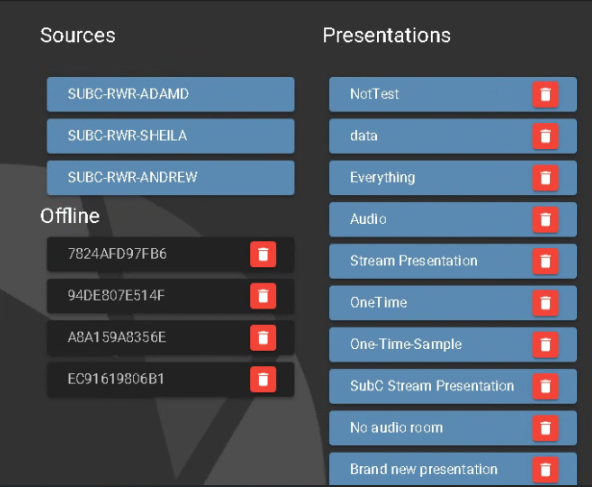
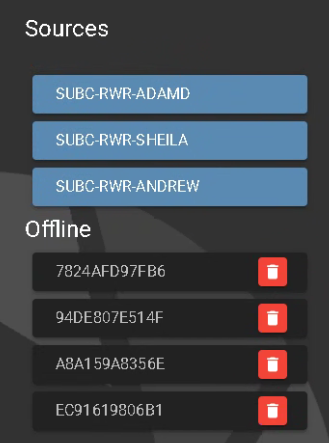
Sources - These are the names of the SubC Software host systems in your network that are Activated members of your Group.
The system names that appear on top in a blue field are currently online - the Streaming Service Web application detects when SubC Software Stream enabled desktop application is opened on your system(s).
Offline - These are Sources that are Activated members of the Group but are currently offline / SubC Software application is not currently running on those systems. Offline displays the system's Network Card MAC address.
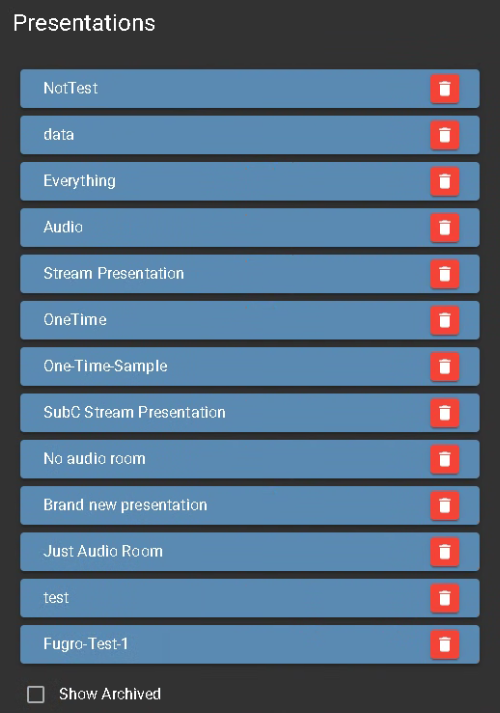
Presentations - The Presentations that you create in Menu → Presentations UI are listed here.
If you wish to delete a Presentation, click the red trash can icon located to the right of the Presentation name. The Presentation does not actually get deleted; it goes into Archive.
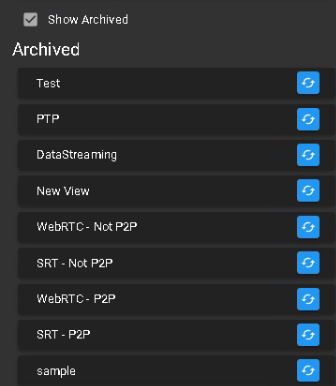
Show Archived - Click the check box to display Presentations that have been archived.
You can restore a Presentation from the archive by clicking the blue recycle button next to the Presentation name. The Presentation will reappear under the Presentations list and in the Menu → Presentations.