
Rayfin Manual Focus offers finer control

We added to the existing Rayfin Manual Focus (MF) control buttons for finer focus adjustment.
Modified - Create New Event Category
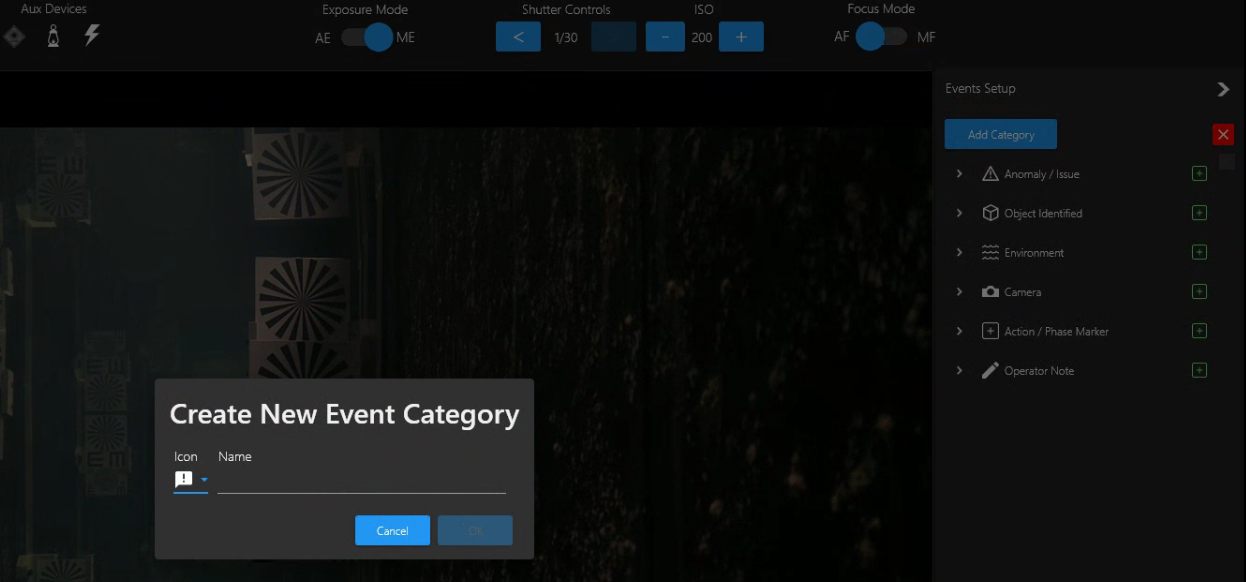
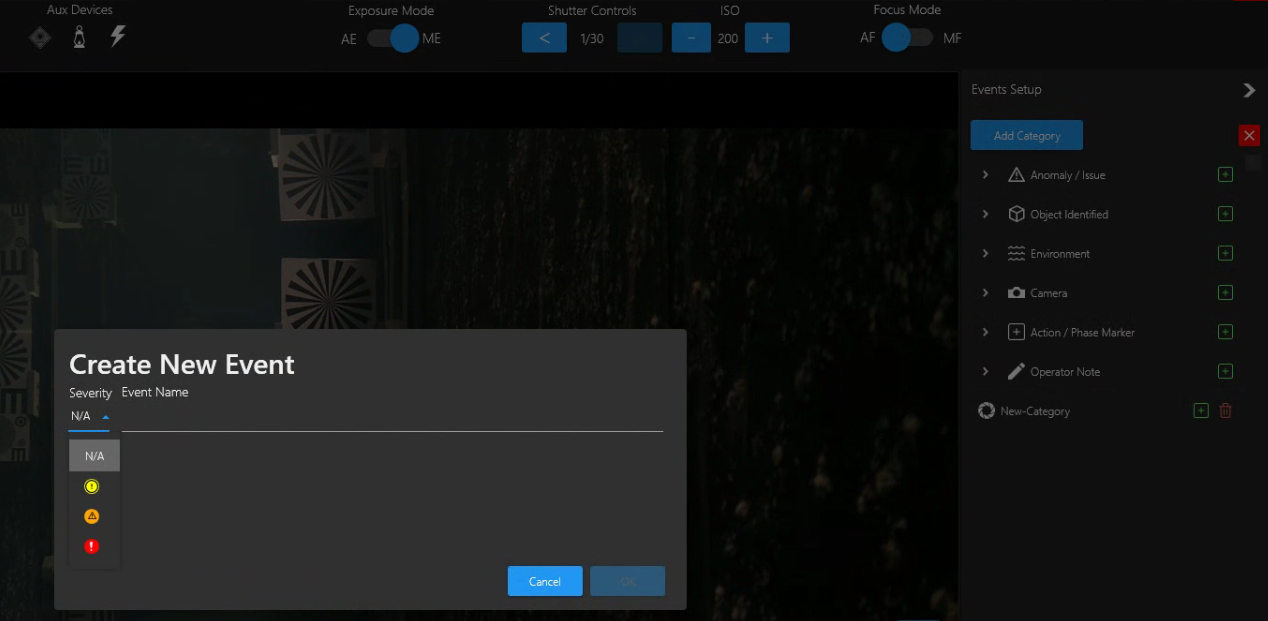
In Eventing, we modified the Add Category feature to make it more intuitive.
Click Add Category; Select an icon for your new category; Give the category an appropriate name and click Ok.
The new Category will appear in the Events setup column on the right.
Click the “+” button in the new Category to Create New Events in the new Category.
New Timeout feature in Channel Input - IP Camera
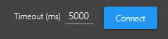
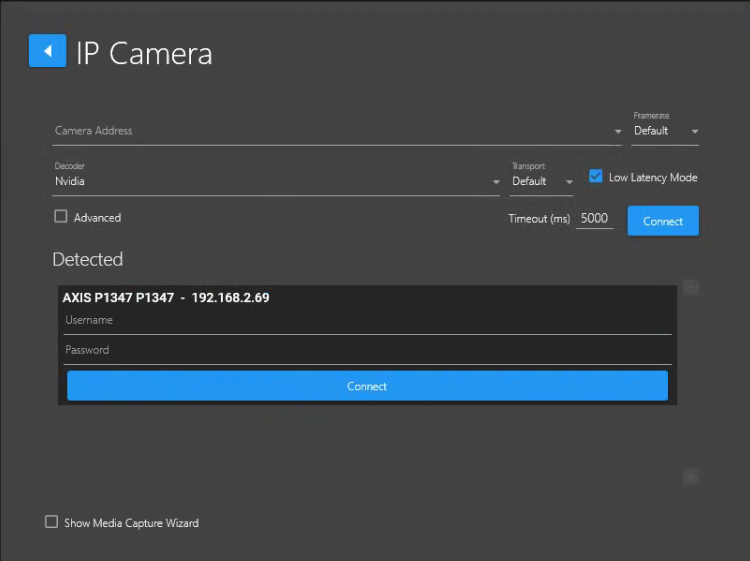
Depending on your Network speed, the time it takes for the DVR+ / SCI app to connect to your IP Camera may vary. We’ve included the Timeout feature in the IP Camera Input configuration UI to give you the ability to adjust and apply an appropriate timeout in ms that is more appropriate for your Network performance. (Default 5000ms = 5 seconds).