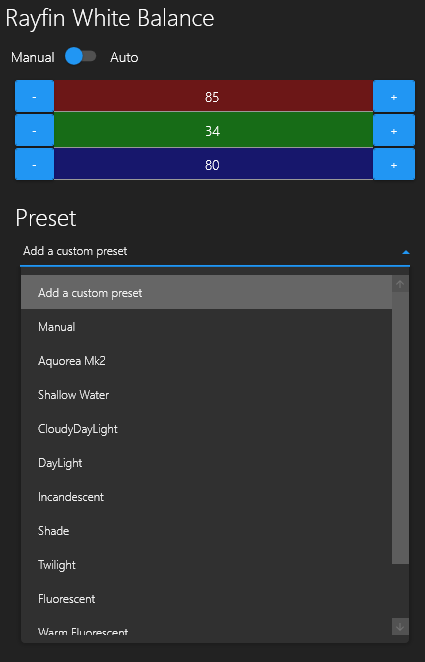
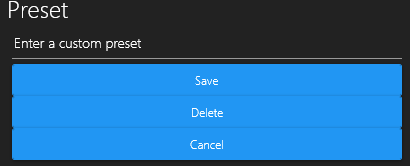
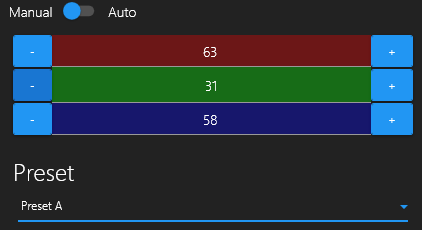
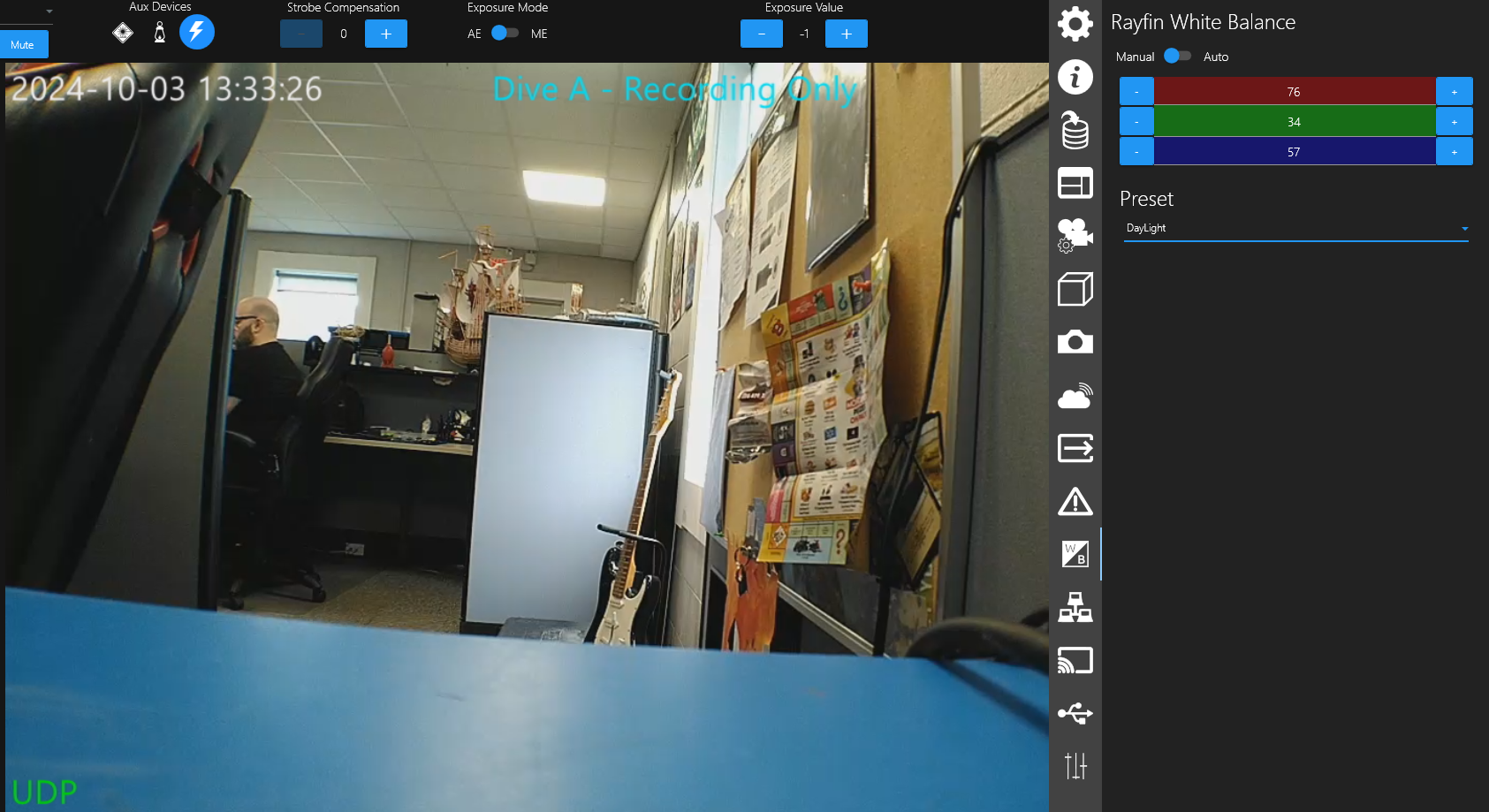
DCS - White Balance White Balance Manual/Auto Whitebalance Auto - Values automatically change based on the environment to get the most natural look. Manual - Allows users to manually change the Reds, Blues, and greens of the video. Presets The Rayfin comes preloaded with several white balance settings. Manual Aquorea MK2 Shallow Water CloudyDayLight Daylight Incandescent Shade Twilight Fluorescent Warm Fluorescent Create/Save Presets You can also create your own presets: Step 1: Select the “Add a custom preset” option in the dropdown box. Step 2: Name your preset and click Save. Preset A is an example custom preset Step 3: Change the color settings to your desired balance. Daylight Preset incandescent Preset