
Issue: Following an upgrade of Rayfin Camera from v3 to v4, I cannot see any Scripts in SubC Rayfin Script Builder.
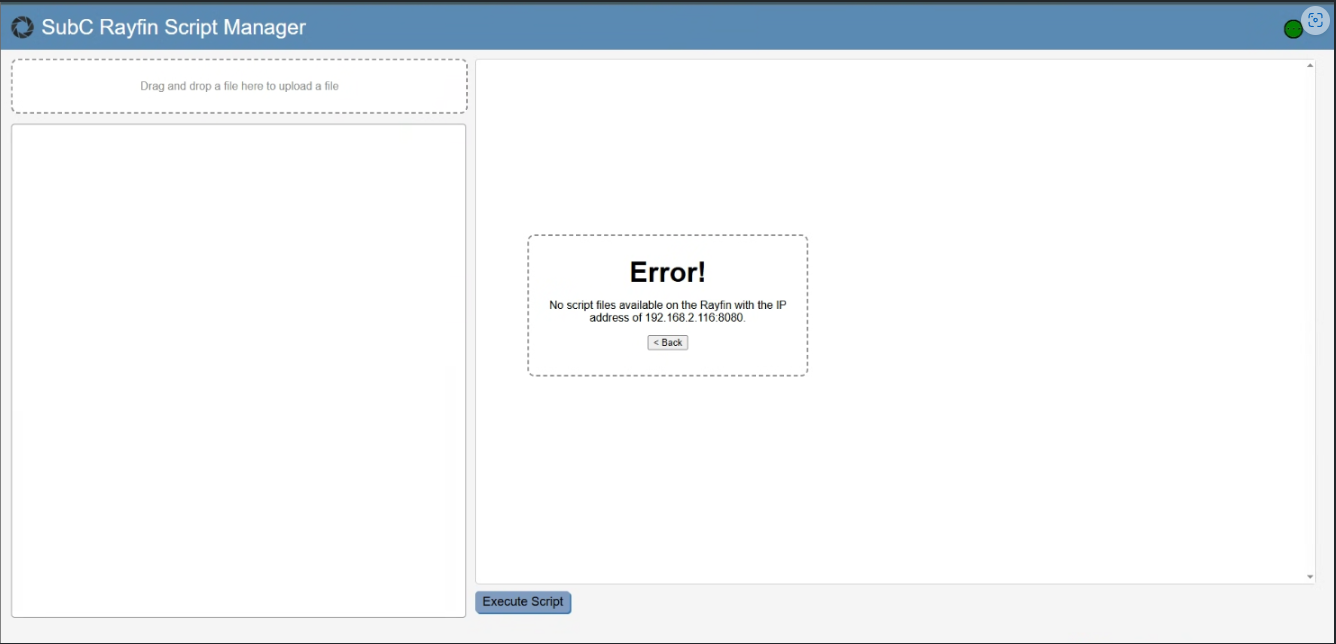
Solution: Reboot the Rayfin camera after updating to v4 for the first time and the scripts will be available when you reconnect to the Rayfin through the SubC Software UI and open Rayfin Script Builder again.
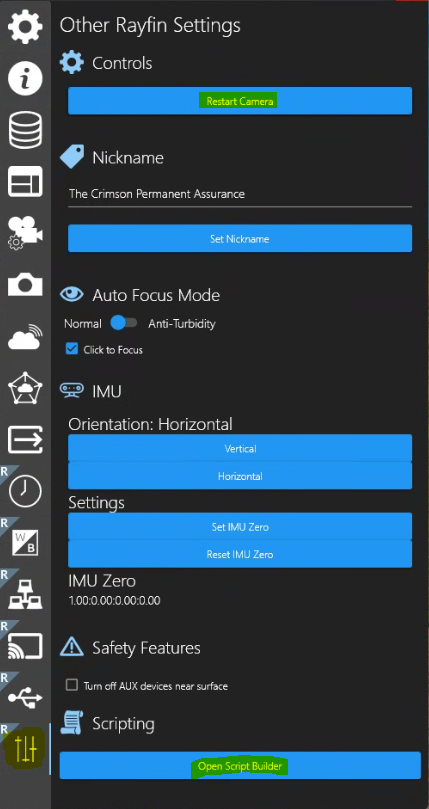
Menu → Other Rayfin Settings
-
Controls → Restart Camera
-
Scripting → Open Script Builder