Pre-towing Checklist
-
Take digital stills with strobe enabled.
-
Preview the photos and observe the following to adjust the settings accordingly.
-
Exposure and Lighting:
-
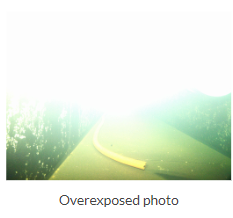
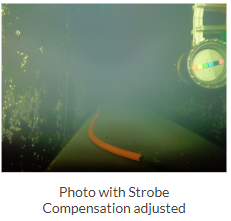
If the photo seems overexposed (too bright), you can adjust the strobe compensation on the DVR-O SCI screen.
-
Refer to Exposure and Lighting in the Appendices for more information.
-
-
White Balance:

-
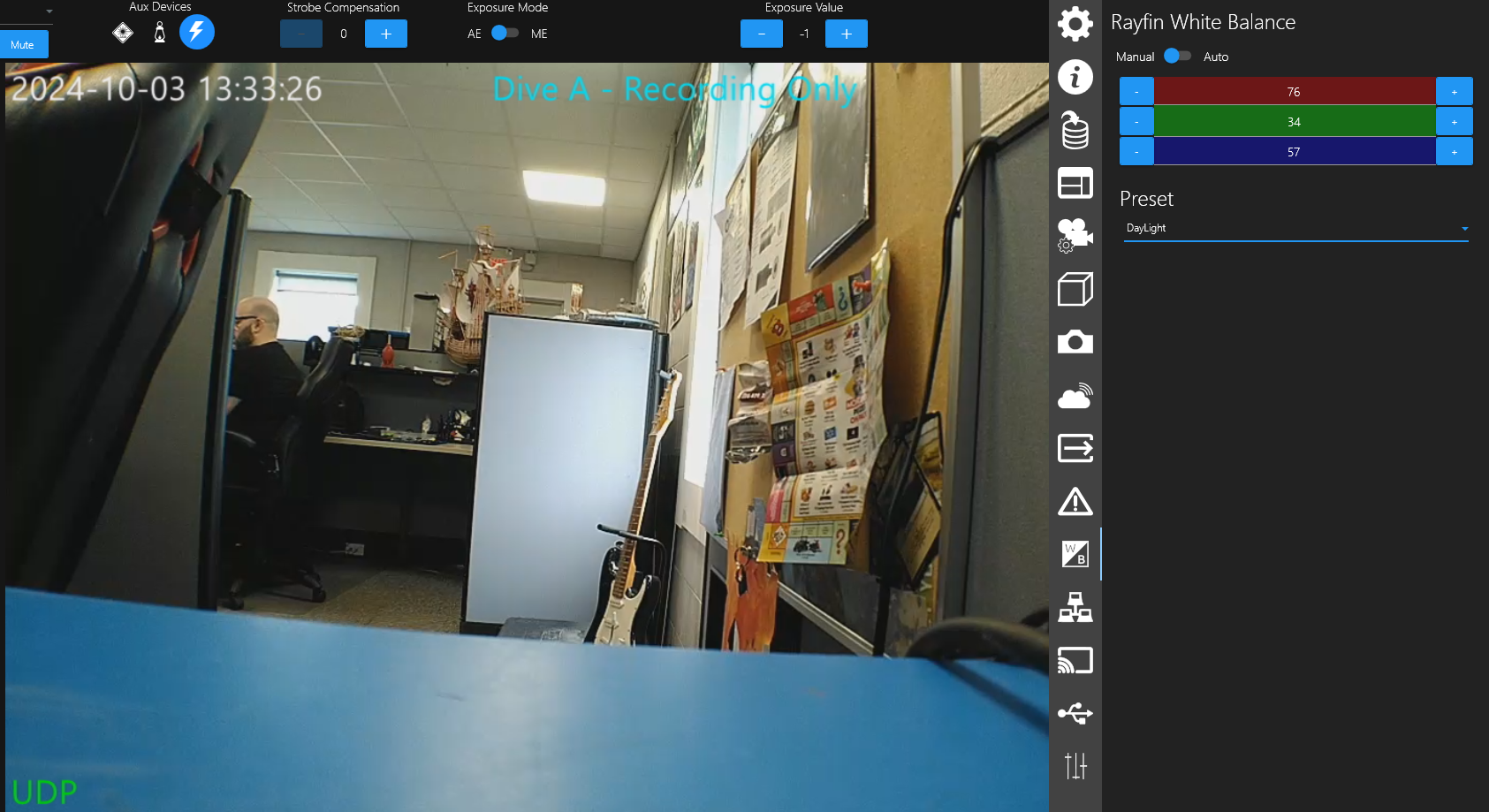
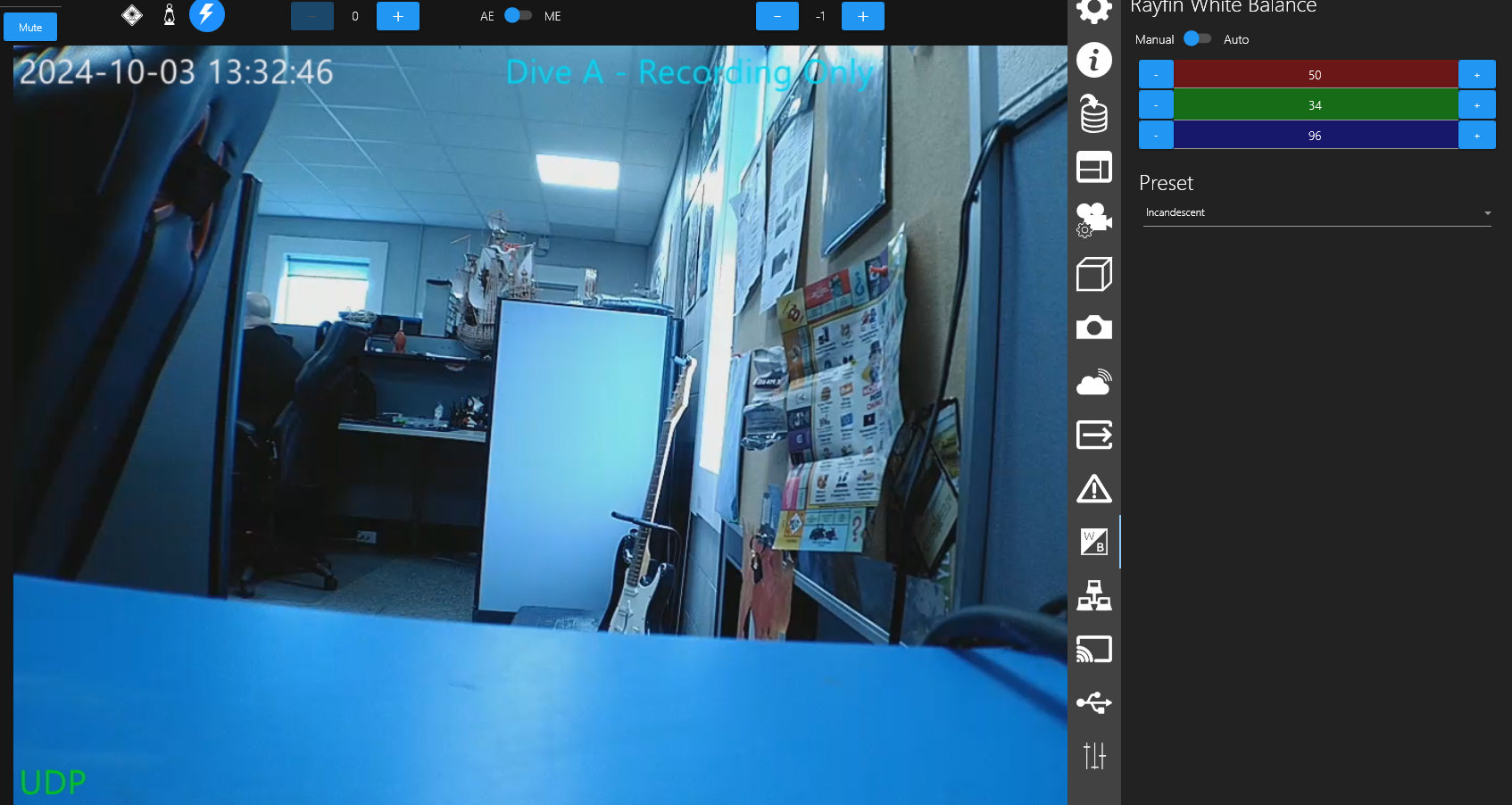
To adjust White Balance, pre-set settings can be selected or custom settings can be created to meet your specific needs.
-
Refer to White Balance instruction in the Appendices for more information.
-
-
Focus: On the RCS main screen, toggle Focus from AF (Auto Focus) to MF (Manual Focus) to manually adjust the focus distance. Depending on the angle of the Rayfin on the TCS, select a reference point and adjust the focus distance accordingly as suggested on the Focus Settings Suggestions page.
-