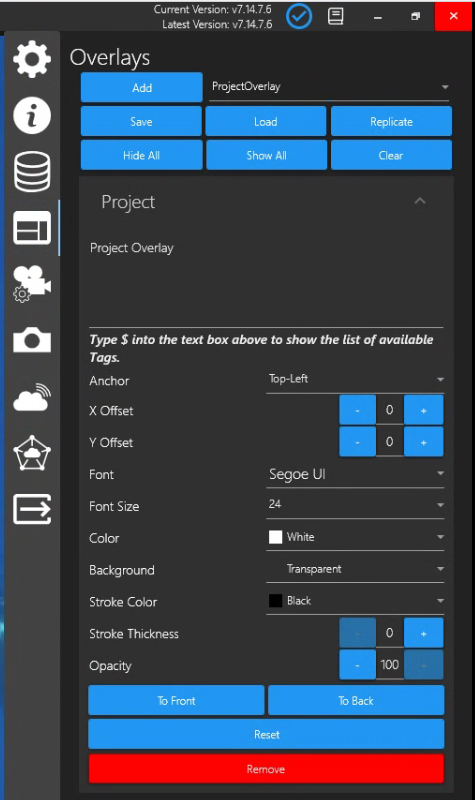
Add Project Overlay if you want Tags (Field Content) from the Eventing Project Details to persistently appear during your Eventing session.
When you select “ProjectOverlay”, Type $ into the text box to show the list of available Tags.
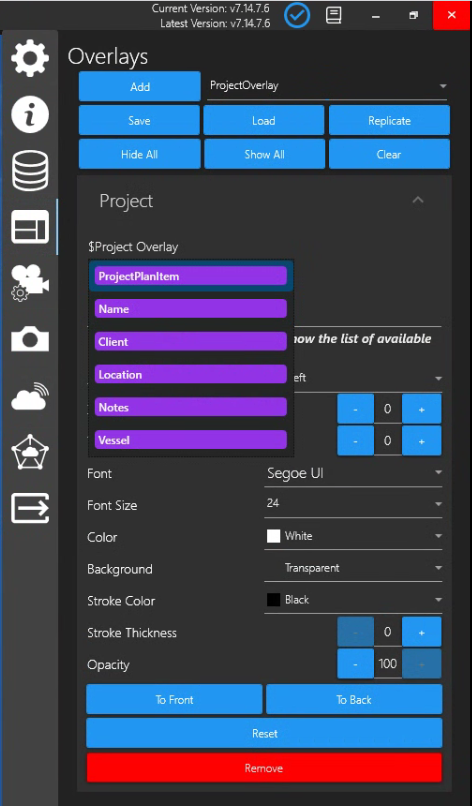
List of ProjectOverlay Tags appear. Select a tag from the list; Type $ again to select other tags from the list.
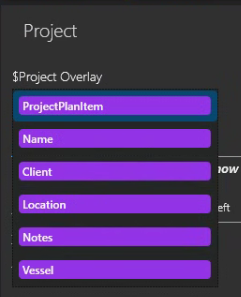
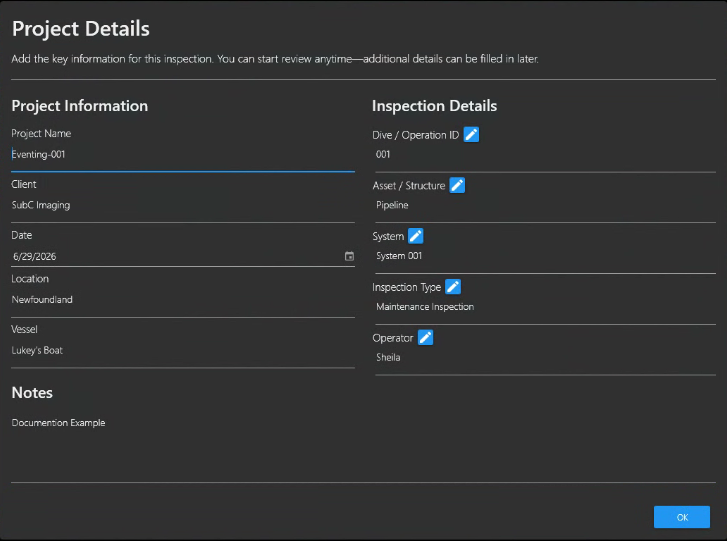
The ProjectOverlay Tags correspond to the fields in the Eventing Project Details
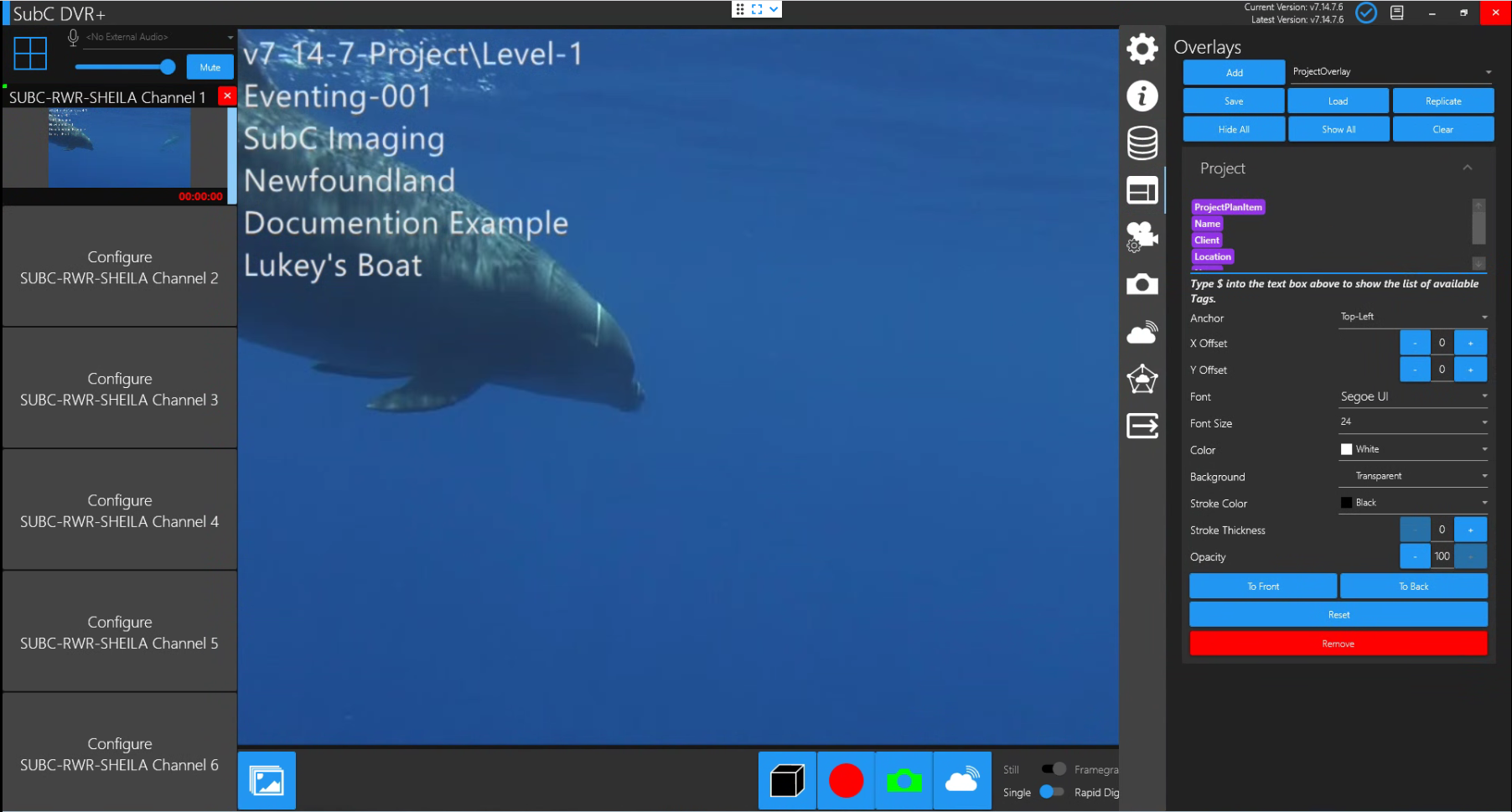
Once you have your Eventing Project folder selected, the ProjectOverlay Tags that you have selected will appear as persistent Overlay on the Channel video. The ProjectOverlay Tags remain visible throughout the Eventing session / Recording.