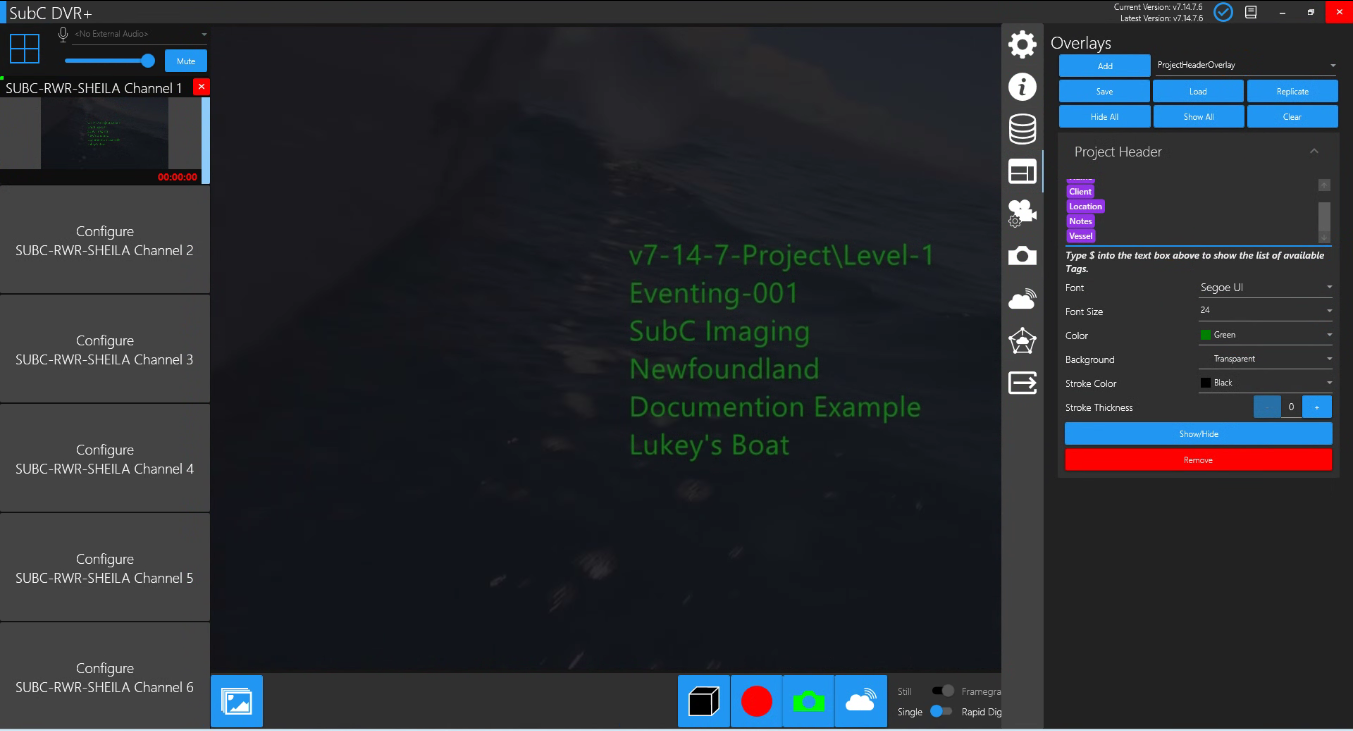
Add Project Header Overlay if you want Tags (Field Content) from the Eventing Project Details to appear intermittently during your Eventing session. You can toggle Show/Hide the ProjectHeaderOverlay to only appear visible when you choose during the Eventing session / Recording.

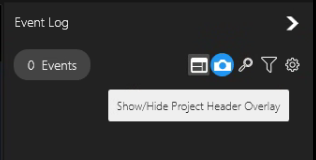
Click the Show/Hide Project Header Overlay toggle button.
For example, you may have multiple stages (i.e. “Level-1”, “Level-2”, etc.) in your Eventing session and you may wish to only have the Project Header Overlay Tags appear for just a moment (as an introduction / stage marker) at the beginning of each stage of the Eventing session.
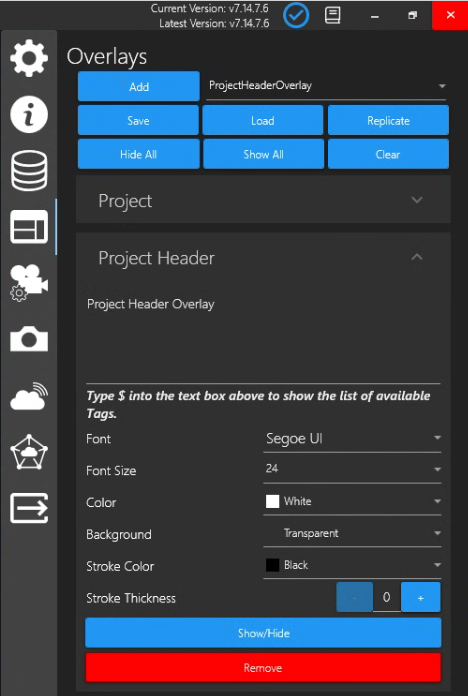
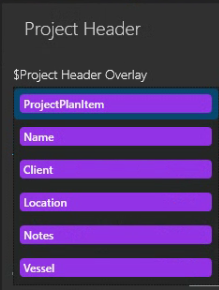
When you select “ProjectHeaderOverlay”, Type $ into the text box to show the list of available Tags.
List of ProjectHeaderOverlay Tags appear. Select a tag from the list; Type $ again to select other tags from the list.
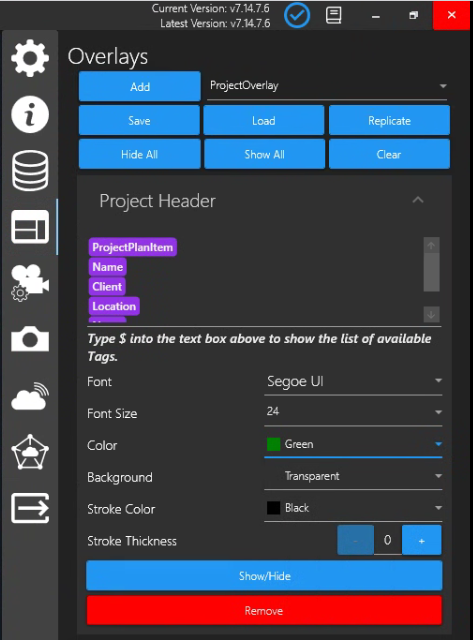
The ProjectHeaderOverlay Tags correspond to the fields in the Eventing Project Details
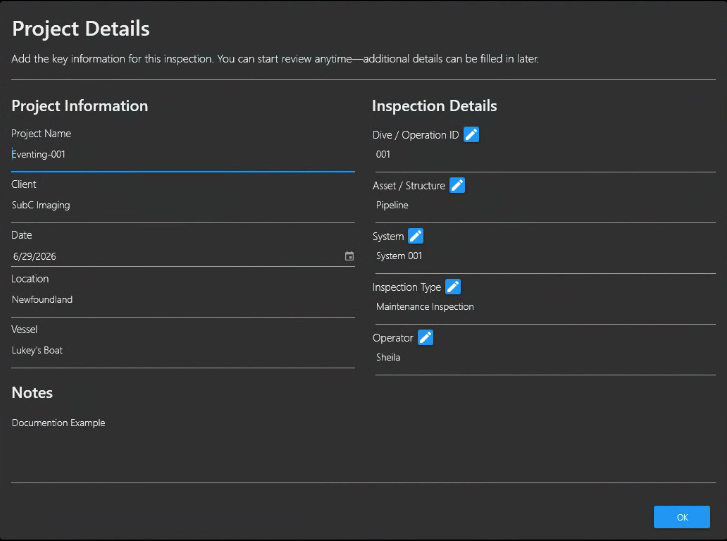
Once you have your Eventing Project folder selected, the ProjectHeaderOverlay Tags that you have selected will appear as Overlay on the Channel video.
While ProjectHeaderOverlay is visible the video in the background is dimmed - this is normal / intentional.